
Connector View Toolbar and Wire Type Pre-Selection
Version 1.3.01 brings two toolbar improvements to the edit connectors view. Both are focused on cutting repetitive steps out of common workflows.
Connector view toolbar
The Edit Connectors view now has a dedicated toolbar. The most immediate benefit: Hide/Show all cavities is right there at the top, no longer fixed at the top of the page. If you regularly collapse cavities to reduce clutter while reviewing a connector, that action is now one click instead of a trip through a menu.
Pre-select a wire type before you connect
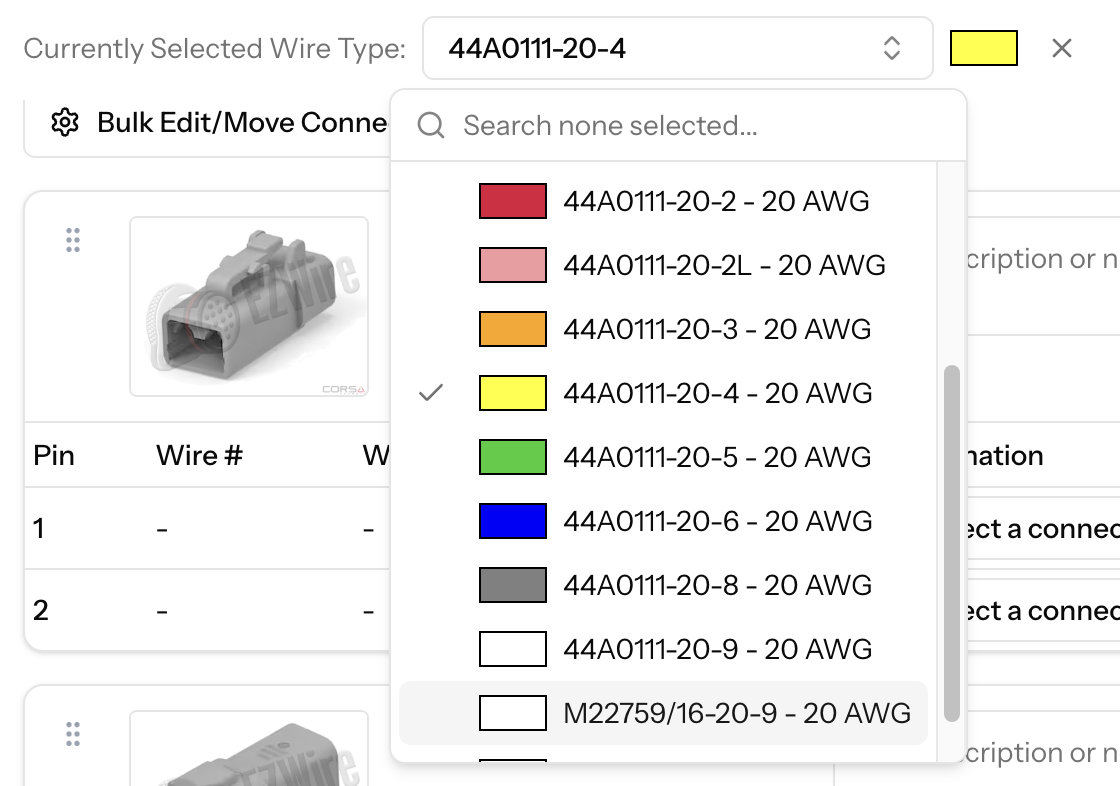
The wiring harness toolbar now includes a wire type selector. Pick a wire type before you start drawing connections and it carries through automatically to each new connection you create.
This is most useful on harnesses where users use a single wire type throughout. Instead of setting the type on each connection individually, set it once and work through the harness. The selector sits alongside the other harness-level controls and is easy to clear when you need to switch.