
EZ Wire 2.2.0 - Cut List Overrides, CSV Export, Diagram Notes and More
Version 2.2.0 adds cut list improvements, including manual length overrides, CSV export, and notes on the diagram. It also includes several user experience improvements. Wire types can now be enabled and created without leaving the connector page.
Manual cut length overrides
Each wire on the cut list can now be overridden per connection. Enter the length to cut, and that value replaces the calculated length on the printout and in exports.
Strip lengths work the same way, one side at a time. Enter 0 to set "no strip" and ignore the connector's default. If the cut length is shorter than the calculated length, EZ Wire flags it for review; the flag can be dismissed once acknowledged. Shortened wires remain on the printout and CSV in both cases.
Manual cut and strip length overrides are available on the SHOP plan and above.
Calculated length column
A new Calculated Length column has been added next to Cut Length on the cut list. The routed value is retained after an override is applied, so the difference between the cut length and the calculated length is visible in both columns.
Export the cut list as CSV
The full cut list can now be exported to CSV, including every column and the cables section. The file can be opened in a spreadsheet, shared with a colleague, or imported into an existing cutting workflow.
CSV export is available on the SHOP plan and above.
Notes on the wiring harness diagram
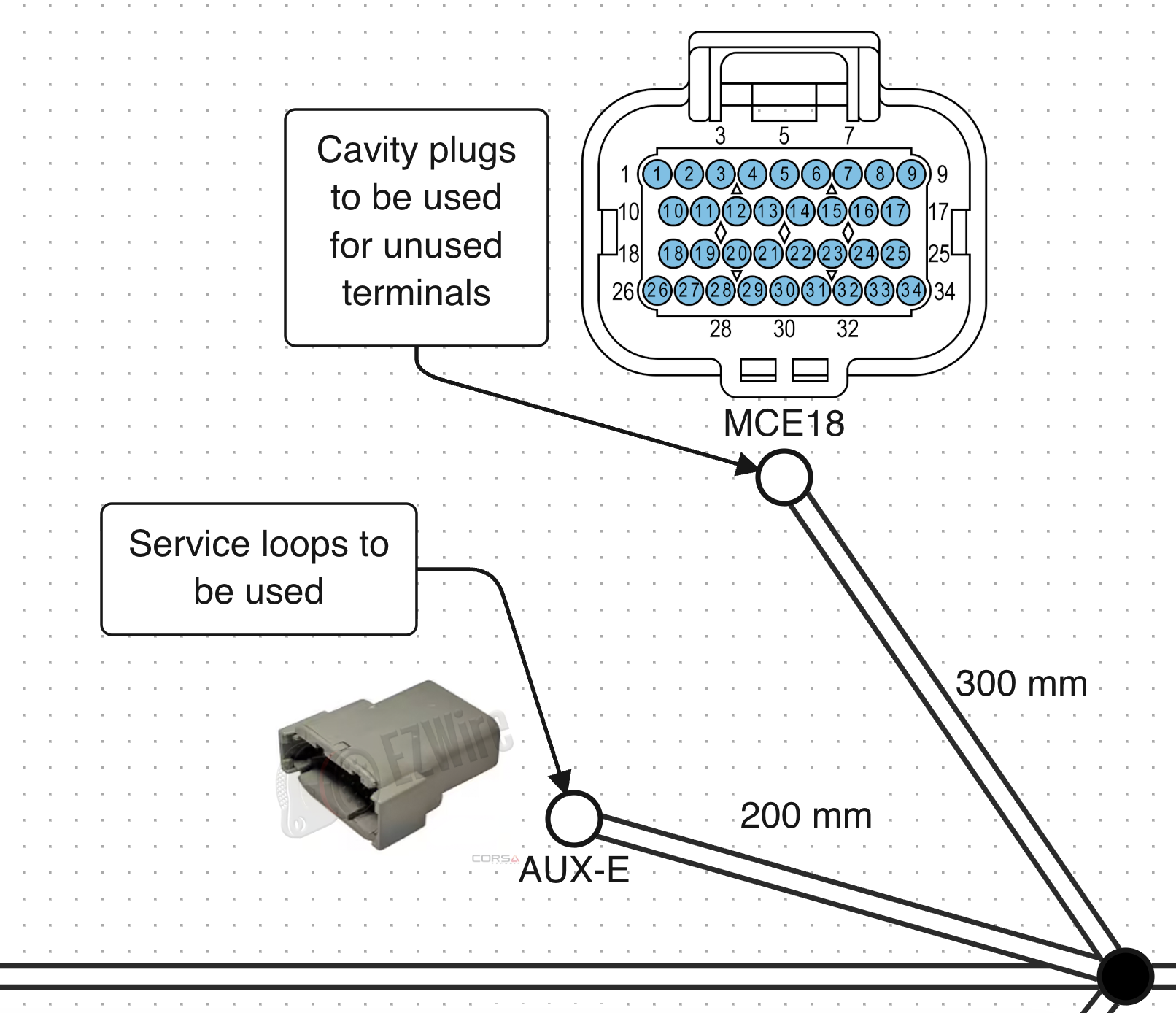
Freeform notes can now be added anywhere on the diagram canvas. Notes can be used to record routing decisions, label sections, or capture customer requests. Positions are saved automatically alongside connectors and branches.
Enable and create wire types from the connector page
Wire types can now be enabled or created directly from the connector page. The wire type combobox searches the full catalogue; selecting a match enables it for the harness, and new wire types can be created without leaving the page.
This removes the need to return to the Parts Library to enable wire types before wiring.
Sticky pinout headers
Column headers on long pinouts now remain fixed to the top of the table while scrolling. This keeps column labels visible on large multi-row connectors.
And more
Editing a part number now opens directly to the connector library. Device search matches on manufacturer names and no longer depends on word order. Hovering over a connector design reveals edit and clear icons. See the full changelog for every entry in 2.2.0.
Try 2.2.0 on your next harness
Version 2.2.0 is available to all users. Cut list overrides and CSV export are included on the SHOP plan and above.